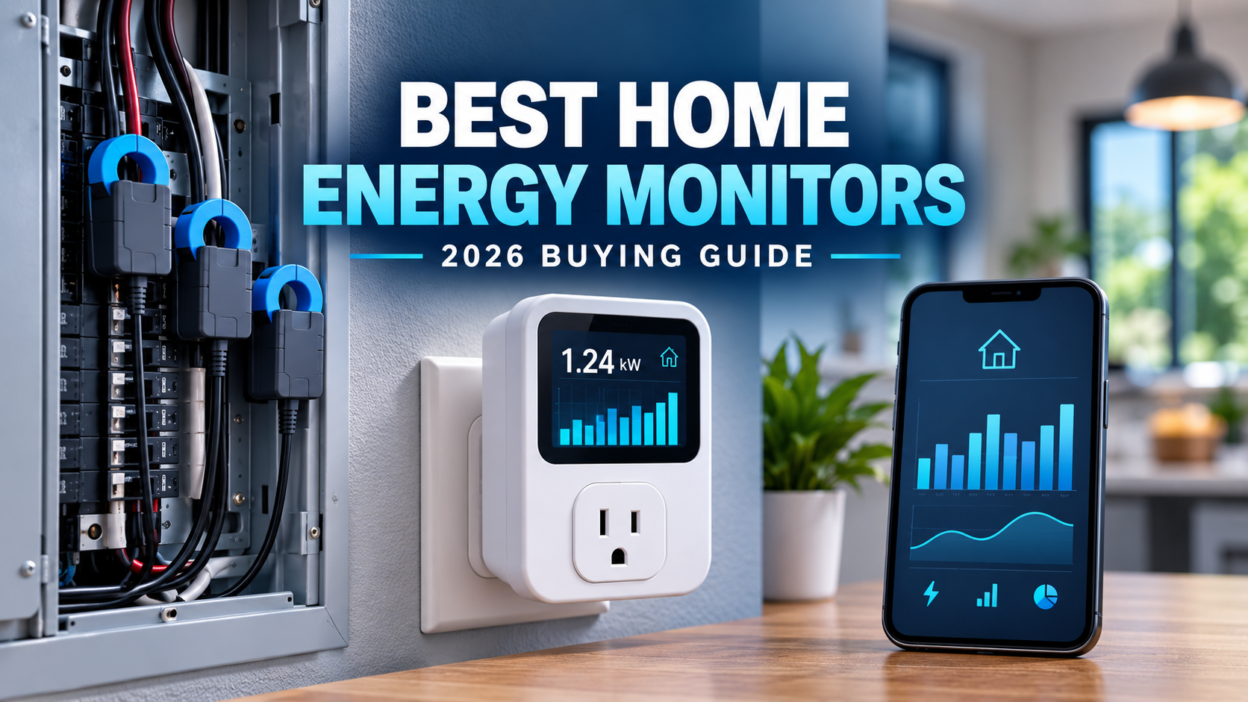
A home energy monitor can show where electricity is going before the monthly bill arrives. The right model can reveal a power-hungry air conditioner, track an EV charger, compare solar production with household use, or provide the real consumption data needed to size a backup battery.
For 2026, our best overall choice is the Emporia Vue because it combines whole-home monitoring with optional circuit-level sensors at a practical price. Sense is more useful for people who prefer automatic appliance detection, while Shelly and Eyedro suit buyers with more specific technical or local-monitoring needs.
How we selected these products: This is a research-based comparison using current manufacturer documentation, features, measurement method, installation requirements, data access and practical usefulness. We have not hands-on tested every monitor, and we do not treat manufacturer savings claims as guaranteed results.
Best home energy monitors at a glance
| Monitor | Best for | How it identifies loads | Solar monitoring | Installation |
|---|---|---|---|---|
| Emporia Vue | Best overall | Main feeds plus optional circuit sensors | Yes, with correct sensor setup | Electrical panel |
| Sense Home app | Automatic appliance detection | Machine-learning analysis through eligible smart meters | Depends on utility integration | Compatible utility smart meter |
| Shelly Pro 3EM | Local data and automation | Up to three measured channels | Yes, when configured correctly | DIN rail/electrical panel |
| Eyedro Home Energy Monitor | Simple whole-home monitoring | Split-core sensors on supply conductors | Supported use case | Panel sensors plus external adapter |
| Energy-monitoring smart plug | One appliance at a time | Direct outlet measurement | No | Plug-in |
Important: Panel-mounted monitors are installed around or near energized conductors. Hire a qualified electrician unless the manufacturer’s instructions and local electrical rules clearly allow you to perform the work and you are trained to do so.
1. Emporia Vue — best home energy monitor overall
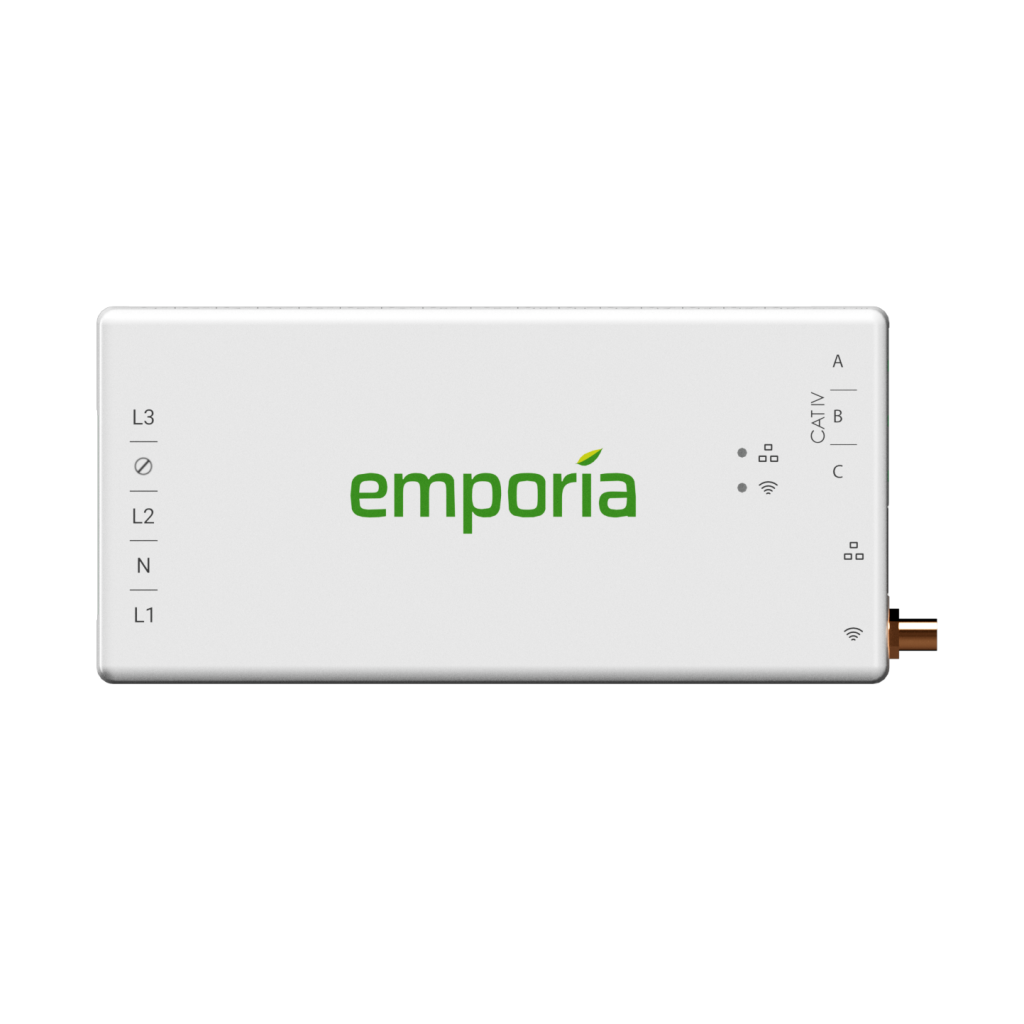
The Emporia Vue is the most balanced option for homeowners who want useful detail without relying entirely on software to guess which appliance is running. Its main sensors track total household demand, while optional branch-circuit sensors can be assigned to loads such as the heat pump, water heater, dryer, kitchen, EV charger or solar inverter.
This direct circuit approach is particularly helpful when planning backup power. Instead of estimating from appliance labels, you can observe the circuits you would actually keep running during an outage. The Emporia platform also works with the company’s smart plugs and EV chargers, giving buyers room to expand beyond the electrical panel.
- Best for: homeowners who want whole-home and circuit-level data
- Strengths: granular monitoring, real-time readings, solar support and a broad product ecosystem
- Limitations: installation requires panel space and careful sensor placement; one sensor may represent several outlets or appliances on the same circuit
Emporia describes the Vue as part of a platform that monitors electricity in real time down to circuits and connected appliances. Review the current options and compatibility on the official Emporia website.
2. Sense Home app — best for automatic appliance detection
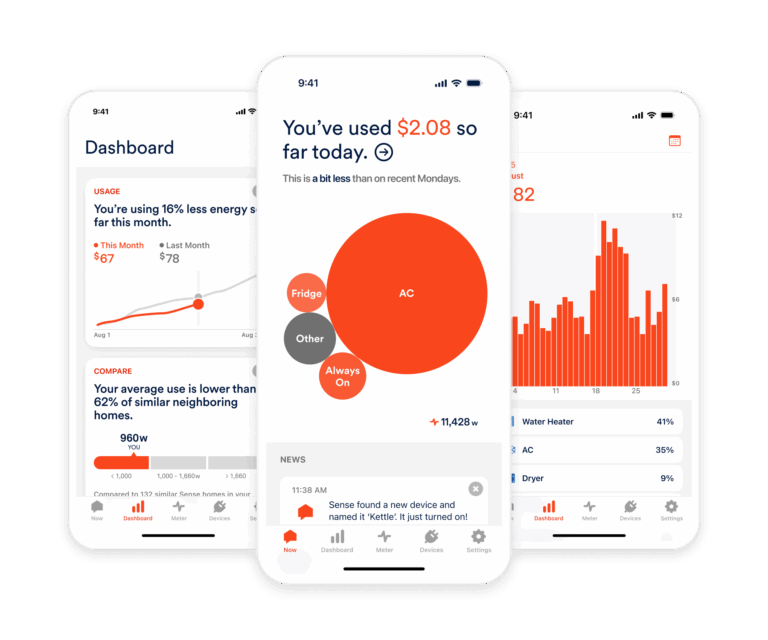
Sense takes a different approach. Its software analyzes high-resolution electrical patterns and attempts to recognize devices from the way they switch on, run and turn off. In 2026, Sense primarily offers its consumer app through compatible Wi-Fi-enabled utility smart meters in selected US service areas, so availability depends on your electricity provider and meter.
The convenience comes with a trade-off: detection is not instant or complete. Some devices have similar electrical signatures, variable-speed equipment can be difficult to identify, and several loads may remain grouped. Sense therefore makes the most sense for eligible households that value an easy appliance-focused timeline and are comfortable allowing the system time to learn.
- Best for: eligible households that want software-led appliance detection
- Strengths: real-time household view, mobile app and automated load recognition
- Limitations: availability depends on a compatible utility smart meter; not every appliance will be detected or separated reliably
Sense says its app is available through selected Wi-Fi-enabled smart meters and uses electrical signatures to identify common devices over time. Check eligibility and current availability on the official Sense Home page.
3. Shelly Pro 3EM — best for local data and smart-home automation
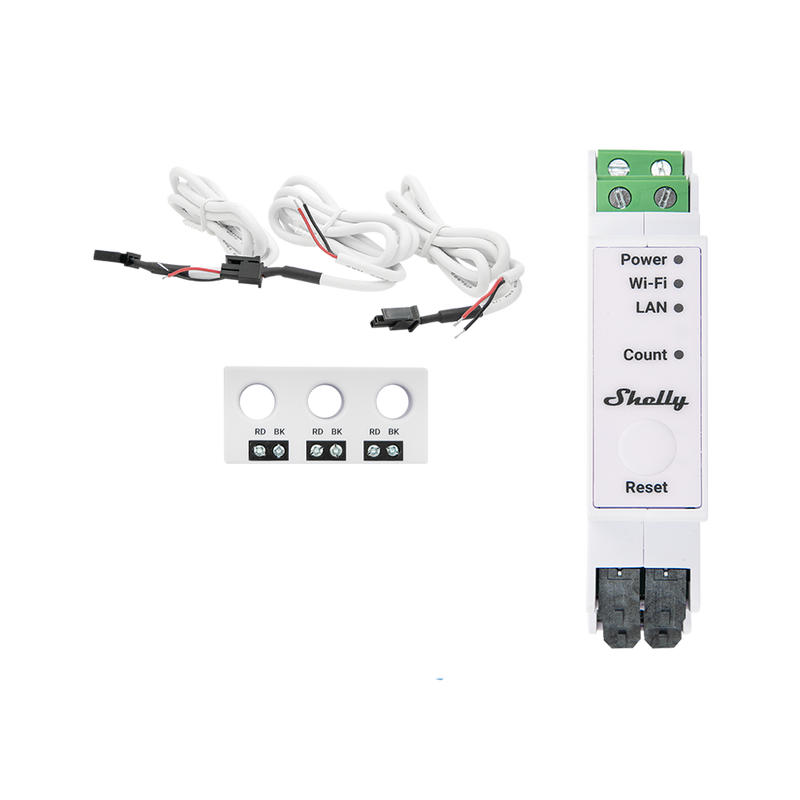
The Shelly Pro 3EM is a strong fit for technically confident households, installers and Home Assistant users who want flexible data access. It measures up to three channels and supports Wi-Fi, Ethernet, MQTT, scripting and webhooks. That makes it easier to build local dashboards or automations instead of depending only on a manufacturer’s cloud interface.
Shelly lists active and apparent power, power factor and energy measurements, with at least 60 days of one-minute data stored on the device. Data can be exported in CSV or accessed in JSON through its RPC interface. The model is DIN-rail mounted, so installation design and panel compatibility deserve attention before buying.
- Best for: local monitoring, three-phase systems and advanced automation
- Strengths: Ethernet, MQTT, scripting, local storage and detailed electrical measurements
- Limitations: more technical setup; three channels do not provide the same branch-circuit detail as a monitor with many individual clamps
Current electrical limits, accuracy ranges and wiring diagrams are available on the official Shelly Pro 3EM product page.
4. Eyedro Home Energy Monitor — best for straightforward whole-home tracking
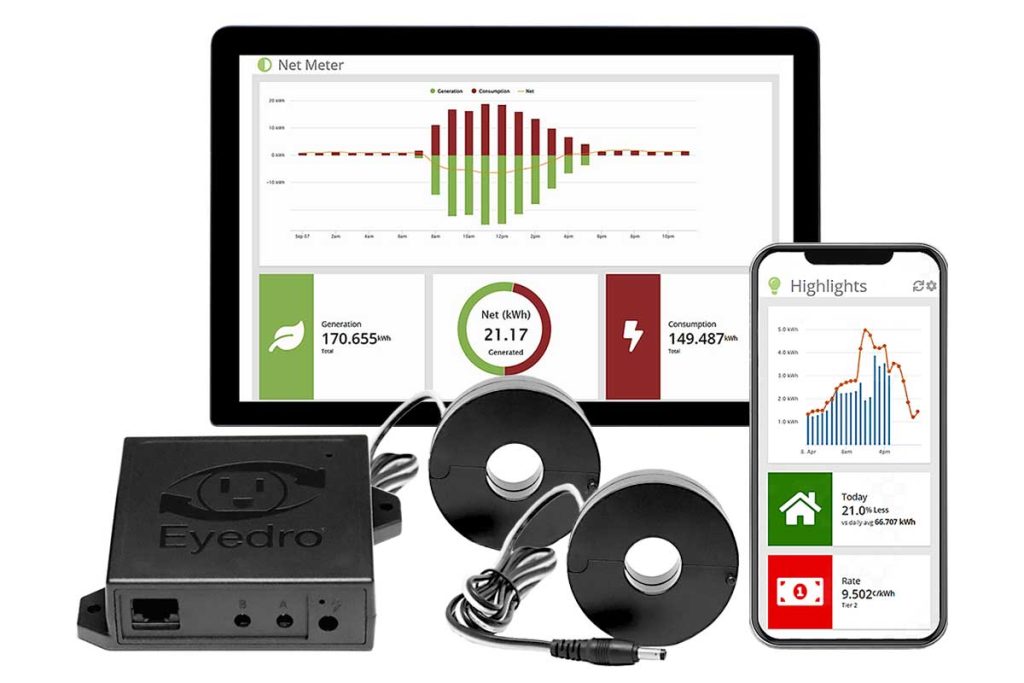
Eyedro is a practical alternative for buyers who mainly want to see total electricity use, cost trends and large loads. Its Home model uses split-core sensors around conductors, connects through Wi-Fi or Ethernet and supports both cloud and local monitoring.
The dashboard provides real-time graphs, cost estimates, bill comparisons, reports and downloadable data. Eyedro also highlights an external power adapter, which avoids powering the unit directly from a breaker. However, it is still a panel-related installation, and the standard sensor arrangement will not identify every appliance automatically.
- Best for: simple whole-home monitoring with downloadable reports
- Strengths: Wi-Fi or Ethernet, local option, cost tracking and downloadable data
- Limitations: limited device identification without separately measured circuits; regional electrical compatibility must be checked
The US/Canada model is designed for 120/240V, 60Hz systems; a European model is also offered. Confirm the correct version on the official Eyedro product page.
5. Energy-monitoring smart plug — best for one appliance
You may not need a whole-home monitor. If your goal is to measure a refrigerator, television, computer, dehumidifier or other plug-in appliance, an energy-monitoring smart plug or plug-in watt meter is cheaper and easier.
A plug-level device can show watts while the appliance is running and kilowatt-hours over time. The main limitation is electrical rating: do not use an ordinary smart plug with hardwired equipment or a load that exceeds its current, voltage or motor-load rating.
For a reliable test, monitor a cycling appliance for several days. Our guide to measuring appliance energy use before buying backup power explains how to turn those readings into daily kWh and battery capacity.
How to choose the right home energy monitor
Choose direct circuit monitoring when accuracy by circuit matters
Current-transformer sensors on individual branch circuits tell you how much the monitored circuit uses. This is useful for large dedicated loads such as HVAC, electric water heating, an EV charger, a well pump or an electric range. Remember that one circuit may still serve several devices.
Choose appliance detection for convenience, not certainty
Machine-learning systems can make energy data easier to understand, but recognition is an inference. If you must verify a particular appliance before sizing a battery, use a direct circuit sensor or a suitable plug-in meter.
Check solar and bidirectional measurement
A solar-ready monitor must distinguish power flowing from the grid, power exported to the grid and solar generation. Sensor direction and configuration matter. A reversed clamp can produce negative or misleading readings.
Review data access and ongoing costs
Check whether the monitor requires cloud access, whether local data remains available during an internet outage, how long history is stored, and whether CSV export or an API is available. Also verify whether any advanced feature requires a subscription.
Confirm electrical compatibility
Check voltage, frequency, service type, number of phases, conductor size, current rating, panel space and Wi-Fi coverage. A monitor made for a North American split-phase service may not suit a European or Asian single- or three-phase installation.
Can a home energy monitor help size a backup battery?
Yes. A monitor can replace rough appliance estimates with measured consumption. Record the essential circuits during a normal day, then calculate:
Required usable battery energy = essential-load kWh ÷ system efficiency
If essential loads consume 4 kWh per day and the complete system is expected to deliver 85% of stored energy:
4 kWh ÷ 0.85 = 4.71 kWh of usable battery capacity
Add an appropriate reserve for weather, battery ageing and unexpected loads. Energy alone is not enough: the inverter must also handle simultaneous running watts and short startup surges.
You can use our interactive appliance and battery-sizing calculator, then compare the result with our guides to solar battery quantity and portable power-station sizing.
Do home energy monitors really save money?
A monitor does not reduce consumption by itself. Savings come from actions taken after the data reveals a problem: changing an HVAC schedule, repairing equipment that runs too often, reducing standby loads, moving EV charging to a cheaper tariff period or replacing an inefficient appliance at the right time.
Do not buy a monitor based on a guaranteed savings percentage. The payback depends on electricity rates, household habits and whether the data leads to a practical change.
Our recommendation
For most homeowners, the Emporia Vue offers the clearest balance of cost, circuit detail and expandability. Choose the Sense Home app if automatic appliance detection matters more than exact circuit attribution and your utility smart meter is eligible. Choose Shelly Pro 3EM for local integrations and flexible automation, or Eyedro for straightforward whole-home tracking and downloadable reports.
If you only need to measure one plug-in appliance, start with an energy-monitoring smart plug or watt meter. It is the simplest way to collect the data needed for a backup-power decision.
Frequently asked questions
What is the difference between a smart meter and a home energy monitor?
A utility smart meter records energy for billing and utility operations. A home monitor gives the homeowner faster, more detailed feedback and may break usage down by circuit or inferred appliance.
Can an energy monitor identify every appliance?
No. Circuit-based systems identify monitored circuits, not necessarily every device on them. Detection-based systems may recognize many loads over time, but some devices remain unidentified or grouped.
Can I install a whole-home energy monitor myself?
Some manufacturers provide consumer installation instructions, but the work normally involves an electrical panel and potentially energized conductors. A qualified electrician is the safest choice and may be required by local rules.
Will a home energy monitor work without internet?
It depends on the model. Some devices offer local dashboards, storage or protocols such as MQTT; others rely heavily on cloud services. Check offline behavior before buying if local access is important.
Is a home energy monitor accurate enough for utility billing?
Consumer monitors are useful for tracking patterns and investigating loads, but they are not a replacement for the utility’s revenue-grade billing meter.